Check Domino REST API settings
Note
We're continuously enhancing the Domino REST API and expanding its documentation to make it even more useful. This page is currently being developed with additional content and examples. If there's anything you'd like to see covered here, we'd love to hear your feedback.
About this task
The procedure guides you on how to check the Domino REST API settings.
Before you begin
You must have access to the Management console.
Note
- Make sure the Management console is secure. For more information, see Functional Accounts.
- Credentials for the Management console aren't managed by the configured IdP, but are derived from the configuration of functional accounts.
Procedure
Note
Make sure the Management console is secure. For more information, see Functional Accounts.
-
Log in to the Management console (Port 8889).
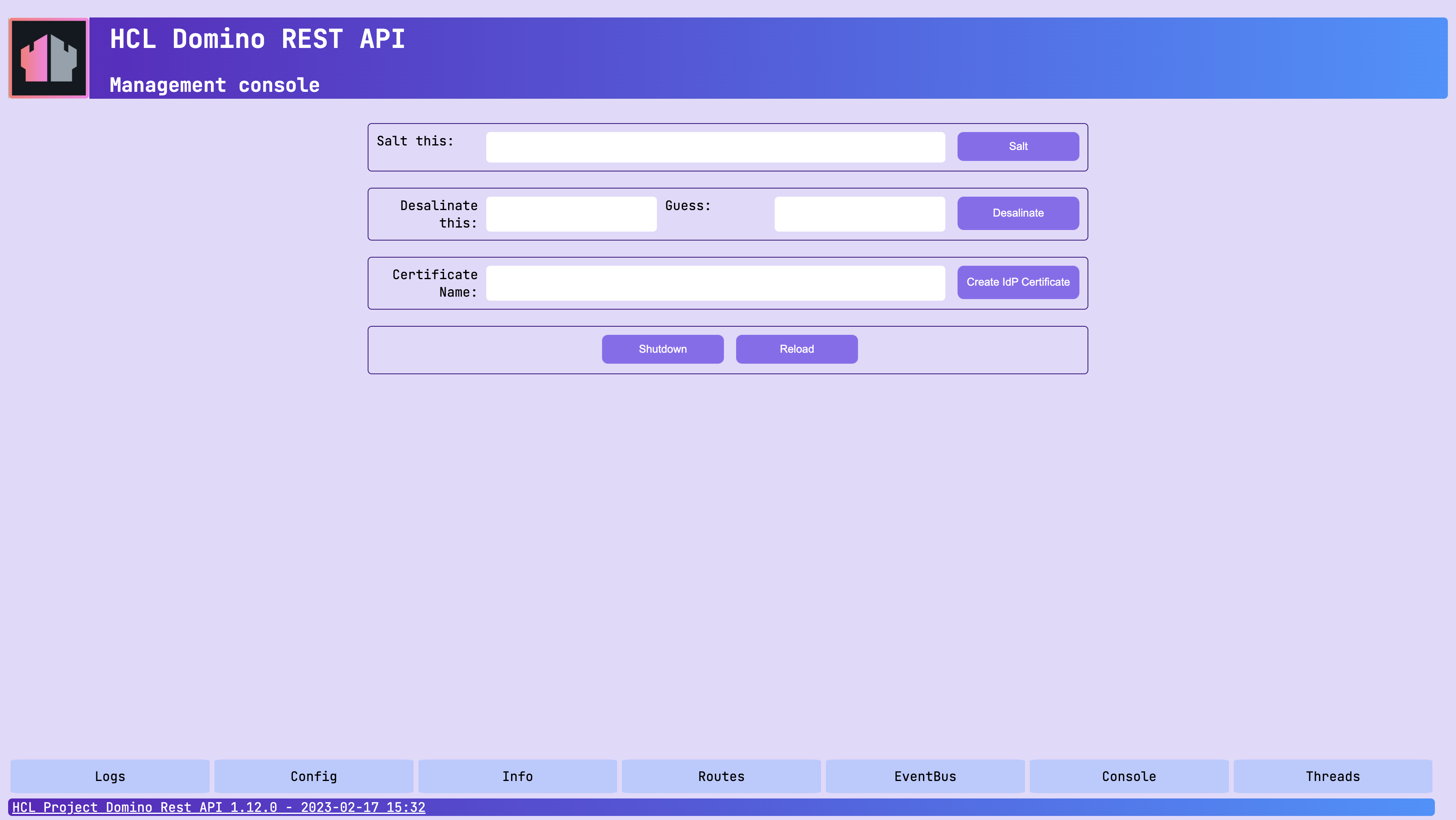
The credentials for the Management console aren't managed by the configured IdP but derived from the configuration of functional accounts.
-
Click Config. The config tab opens showing the Domino REST API settings in JSON.